Connect every site to its Setjob record
Link NFC tags or QR codes to your Setjob sites so your team can identify the right location and access its site information.
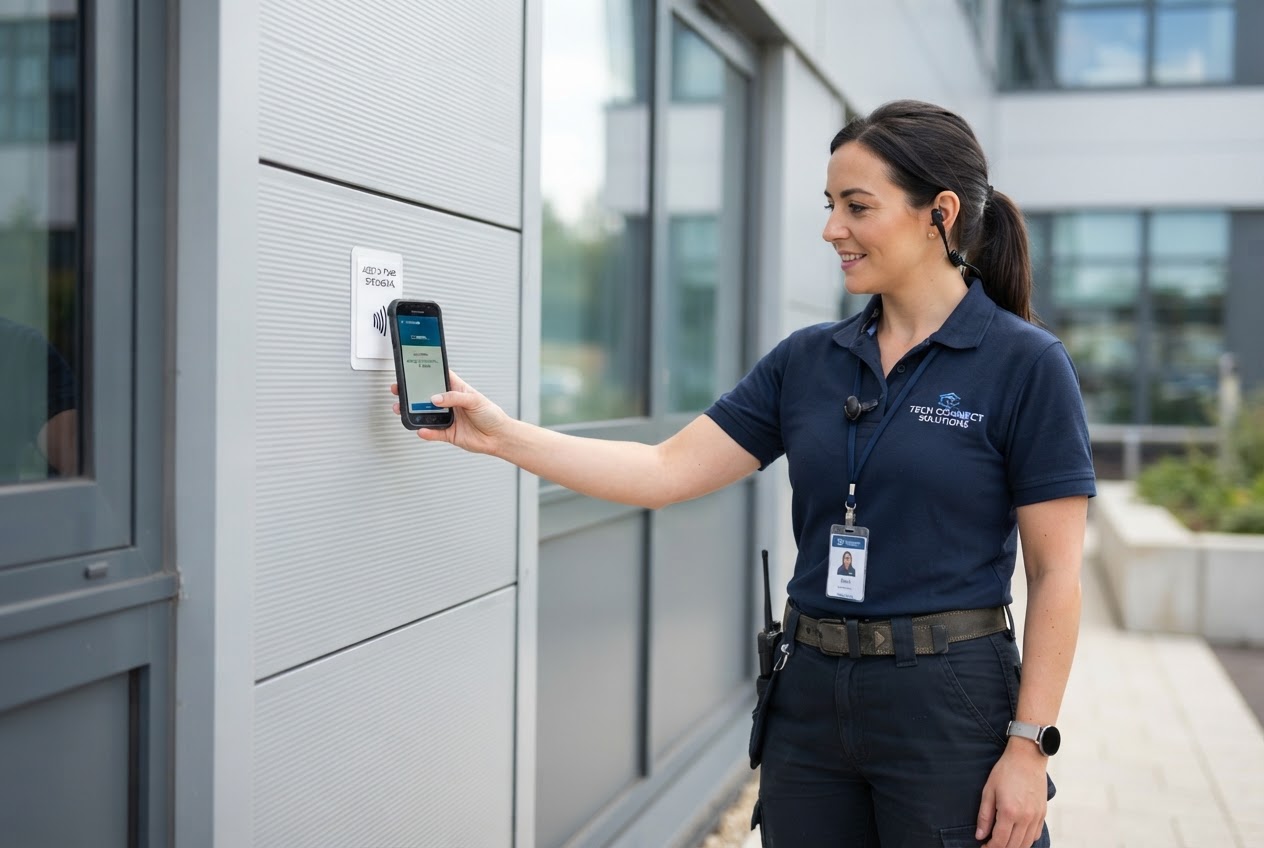
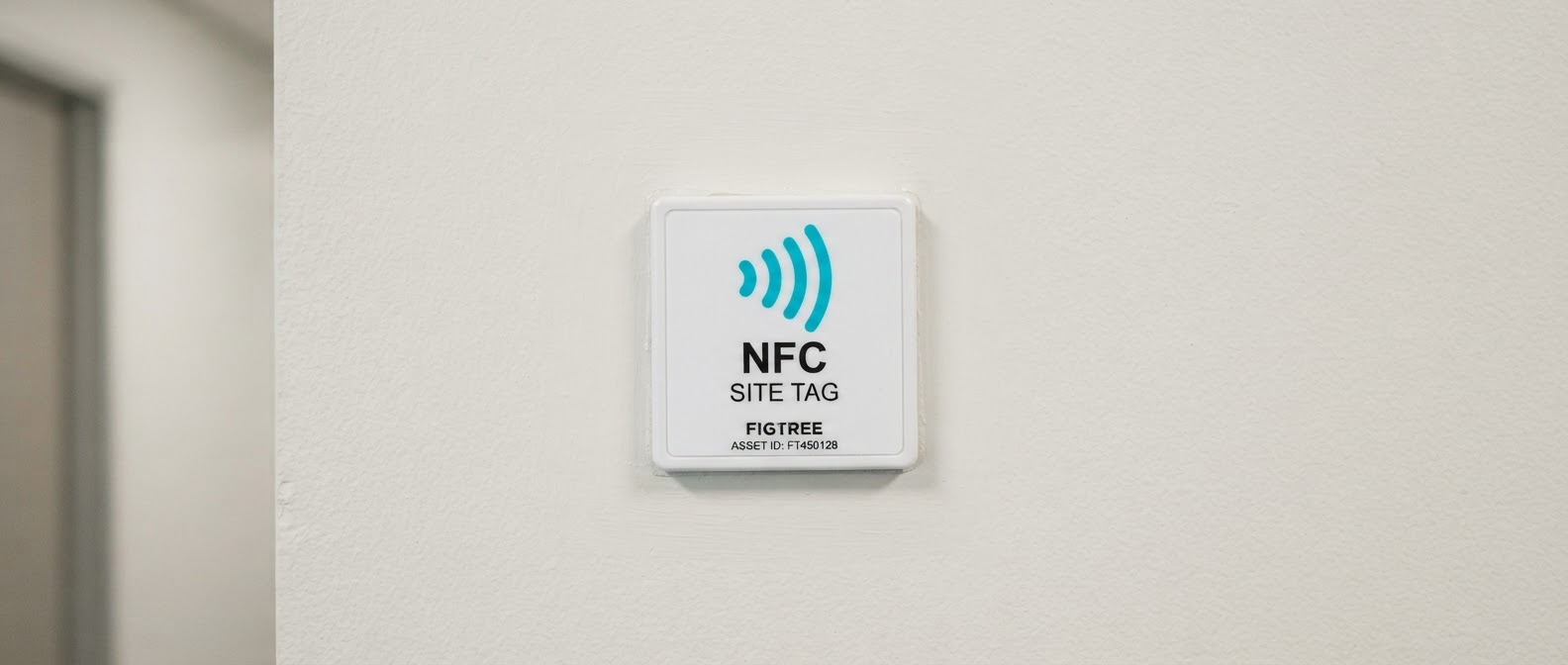 NFC site tag
Identify every site with confidence
Give your team a simple way to confirm they are at the right site before they start work.
- Link NFC tags and QR codes to the correct site record
- Give employees two ways to confirm the site and open its record
- Help teams access the right site information while they are on site
Get your site tags connected in three simple steps
Link NFC tags and QR codes to your Setjob sites.
1Open a site in Setjob
Open the site record where you want to add an NFC tag or QR code.
2Add its NFC tag ID or QR code
Add the tag or code details to the site record so it can be identified later.
3Place the tag or code at the site for your team to use
Mount the tag or place the QR code where employees can tap or scan it.
Two ways to identify a site
NFC tags and QR codes give employees two ways to confirm the site and open its information.
-
NFC site tags
Employees can tap a small NFC tag to quickly identify the site and open its record.
-
QR codes
QR codes give employees another way to scan and open the site record from their phone.

Make every site easier to identify
Give employees a simple way to confirm the site and access the information they need while working.
- Employees can confirm the site before they start work
- NFC tags and QR codes give teams two ways to identify a site
- Employees can access the right site information while they are on site
Your site tag questions, answered
Make every site easier to identify
Bring NFC tags and QR codes into Setjob. Talk to our team about the Site Tags add-on for your business.
Site tags and QR codes are a Setjob add-on. Contact us for pricing.