Know where your vehicles are
Track your business vehicles with GPS and manage your fleet alongside your Setjob jobs and teams.
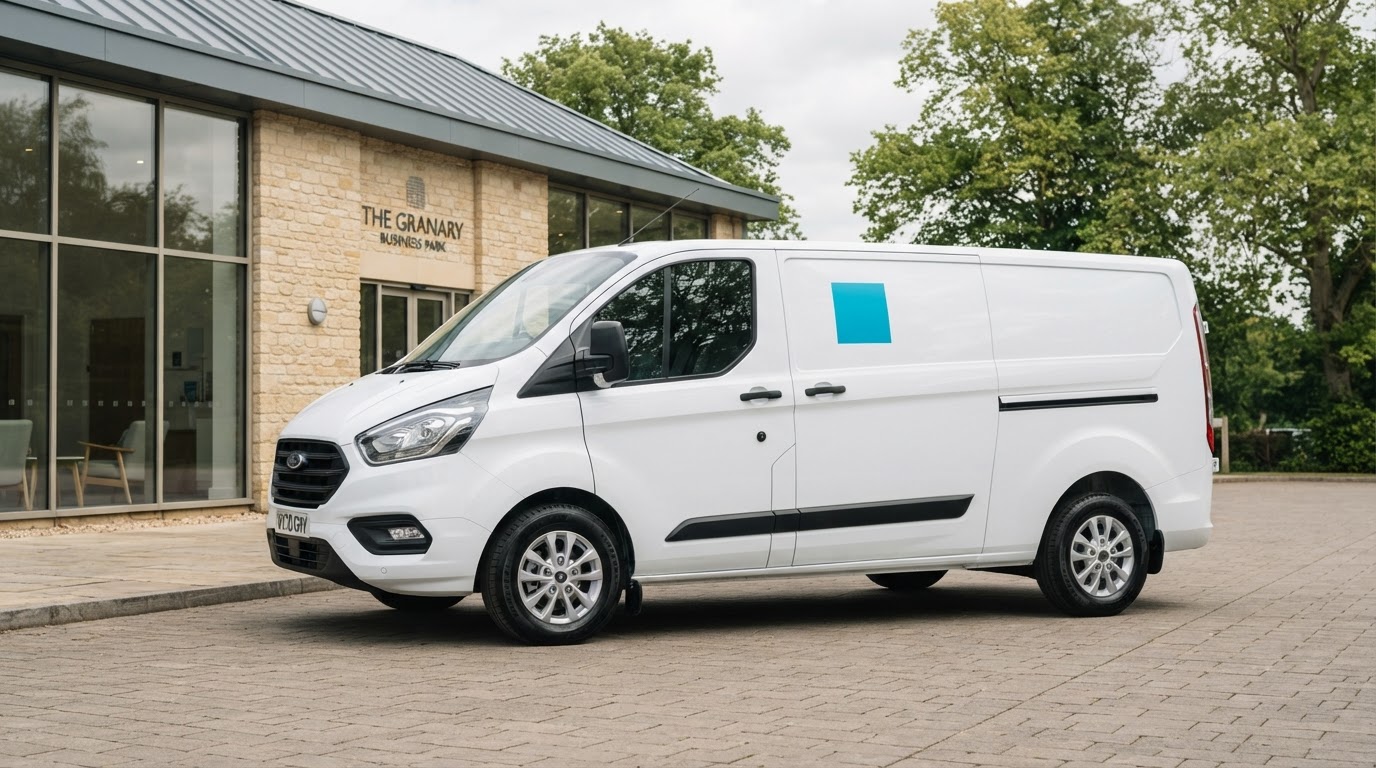
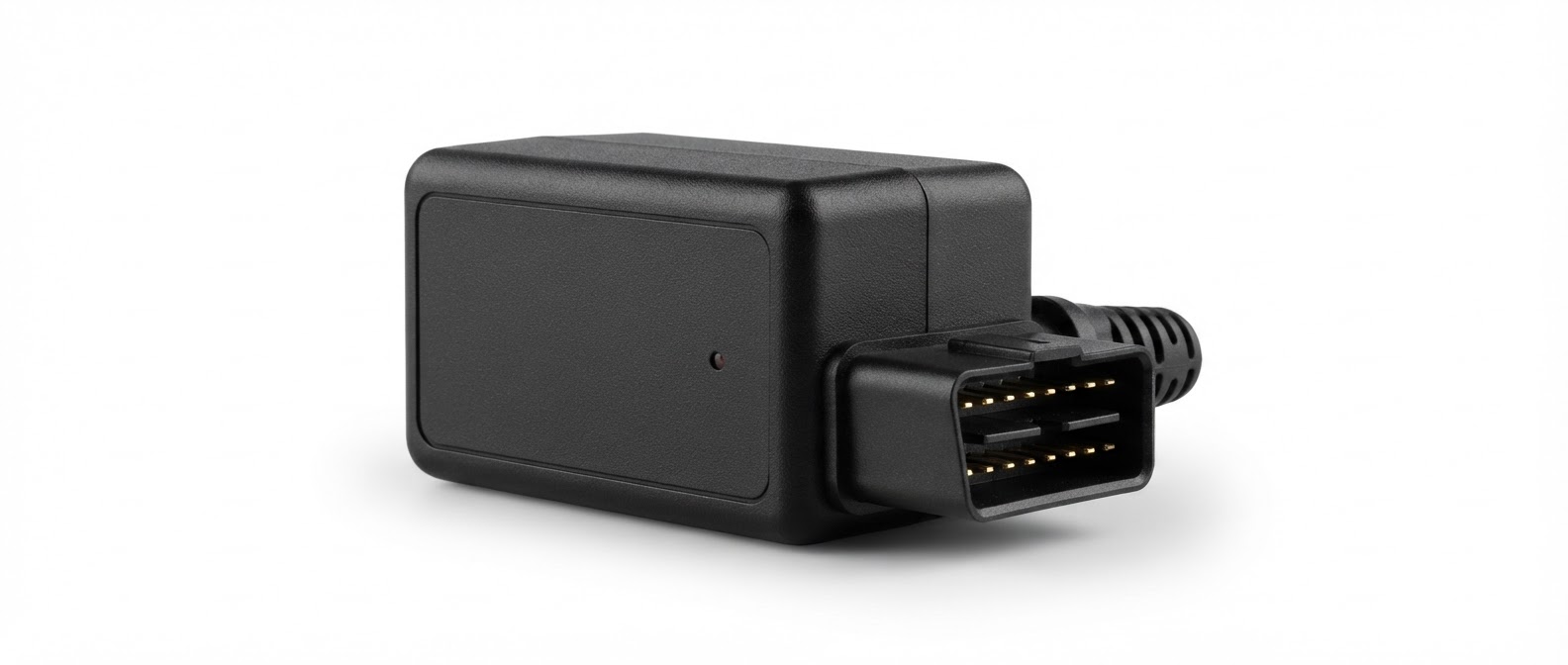 Compatible GPS tracker
Your vehicles, brought together in Setjob
Keep an eye on your business fleet without separating vehicle tracking from the work you manage every day.
- Know where your business vehicles are
- Find vehicle information in one place
- Keep your fleet connected to your operations
Get your fleet connected in three simple steps
Bring your vehicles and their GPS locations into Setjob.
1Add a vehicle to Setjob
Add a name, registration and details to identify your vehicle.
2Connect a compatible GPS tracker
Ask Setjob about compatible trackers and getting connected.
3View vehicle locations in Fleet Management
Open Fleet Management to see your vehicles’ GPS locations.
One place to see your whole fleet
Your vehicles and their GPS locations, right where you manage your business.
-
Your vehicles, on the map
See your connected vehicles together across your service area.
-
The details behind each vehicle
Keep names, registrations and vehicle details organised in one place.
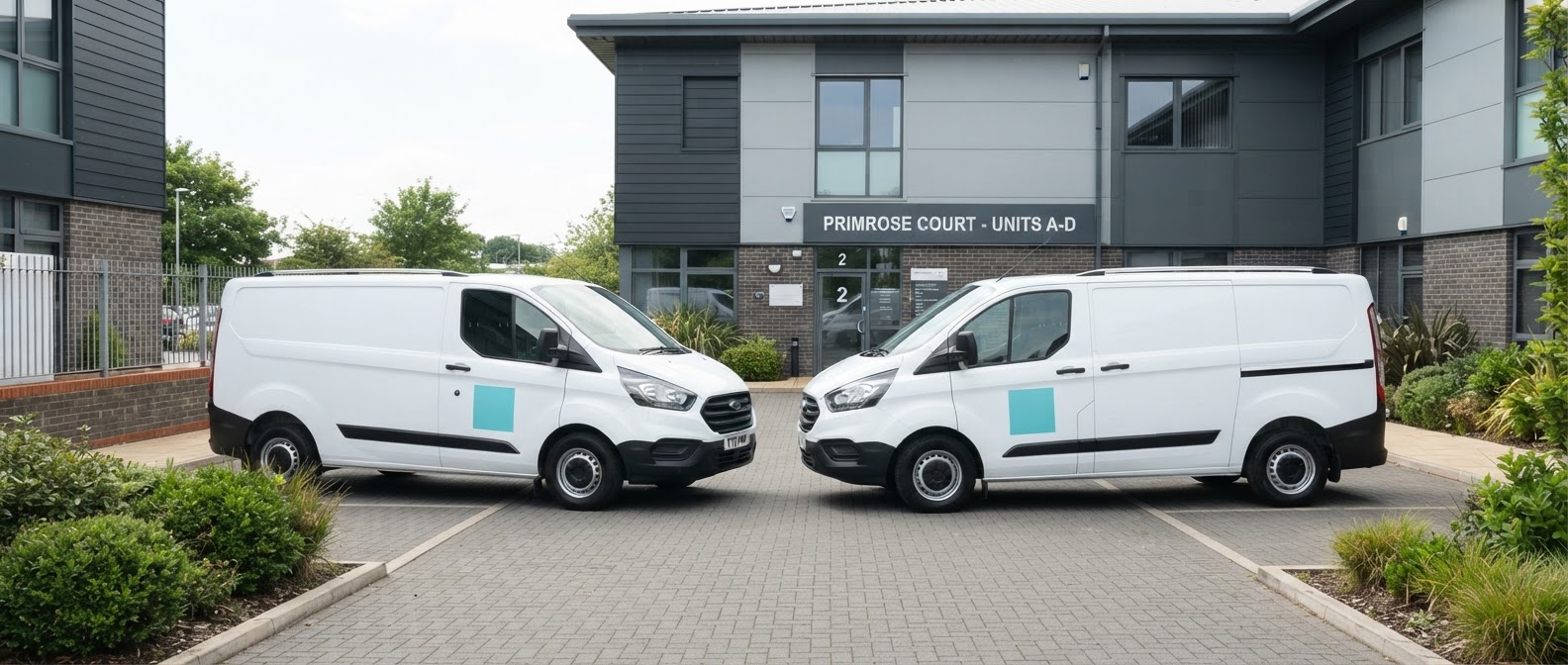
Keep your fleet visible. Coordinate with confidence.
Knowing where your business vehicles are helps you keep your fleet visible and coordinate the day’s field work.
- See vehicles across your service area
- Support field-work coordination
- Manage vehicles alongside jobs and teams
Your fleet questions, answered
Keep your fleet connected to your work
Bring vehicle GPS tracking into Setjob. Talk to our team about the Fleet Management add-on for your business.
Fleet Management is a Setjob add-on. Contact us for pricing.