How to Secure Your Business: A Guide for Small Business Owners
Small businesses are often more vulnerable to security threats because they may lack the systems and resources that larger organizations have. Whether you own a retail shop, a restaurant, or an office-based company, the right preventive measures can protect your people, property, and data.
Below is a complete, step-by-step guide to help you strengthen your business security—both physical and digital.
1. Strengthen Physical Security
A. Install Quality Locks and Hardware
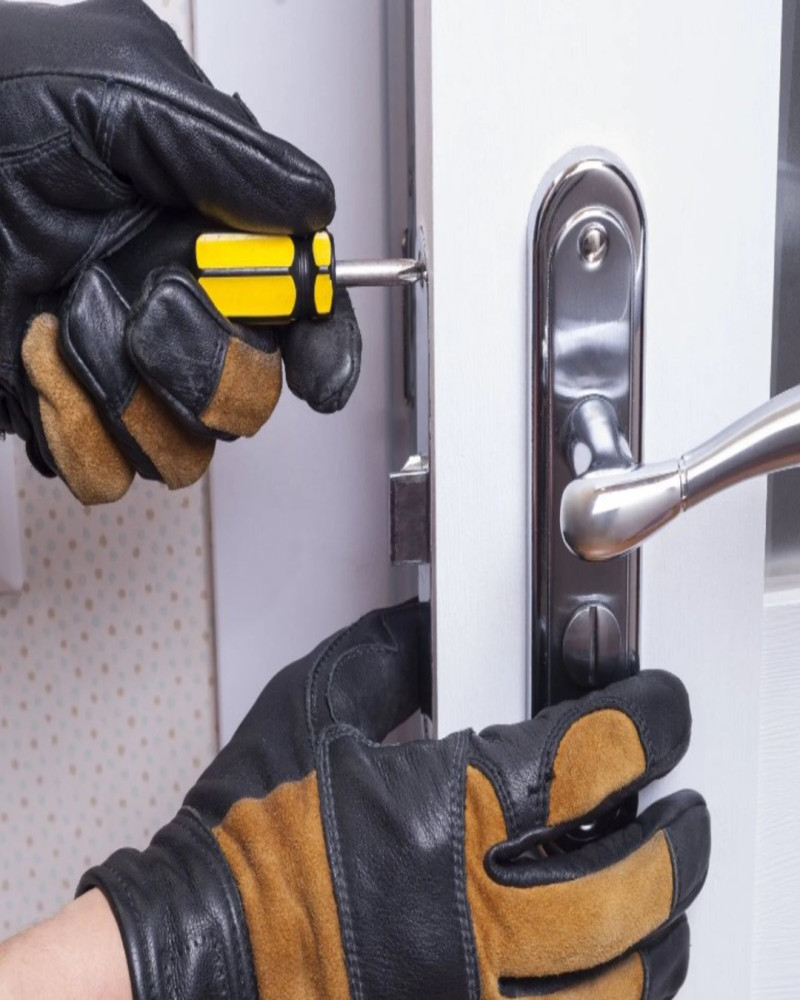
Use commercial-grade deadbolts on all exterior doors.
Add reinforced strike plates and solid-core doors.
Use smart locks or access control systems for tracking entry and exit.
B. Add Security Cameras
Install cameras around entry points, parking lots, stockrooms, and cash-handling areas.
Choose systems with cloud storage, motion alerts, and remote viewing.
C. Improve Lighting
Bright exterior lighting deters break-ins.
Motion-sensor lights, especially around back entrances, are excellent low-cost upgrades.
D. Use an Alarm System
Burglar alarms with door/window sensors and glass-break detectors provide early warnings.
Consider professional monitoring for higher-risk locations.
E. Secure Valuable Assets
Lock cash drawers and safes.
Keep expensive tools/equipment in locked rooms or cabinets.
Mark inventory with serial numbers for easy tracking.
2. Protect Your Business From Internal Threats
A. Limit Access
Only give employees access to equipment or data they need for their job.
Use keycards, PINs, or digital permissions to control entry.
B. Implement Clear Security Policies
Policies for handling money, sensitive documents, closing procedures, and visitor access.
Provide simple checklists for opening and closing the business each day.
C. Conduct Background Checks
Especially for roles involving:
Cash handling
Sensitive information
Keys or access to the building
D. Monitor Inventory
Use inventory management tools to track shrinkage.
Conduct regular audits.
3. Strengthen Cybersecurity
A. Use Strong Passwords and Multi-Factor Authentication (MFA)
Require employees to use long, unique passwords.
Enable MFA on email, banking, and business accounts.
B. Keep Software Updated
Update operating systems, browsers, point-of-sale systems, and antivirus software regularly.
Set devices to auto-update when possible.
C. Secure Your Wi-Fi Network
Use a strong password and WPA3 encryption.
Create a guest network separate from your business network.
D. Train Employees on Cyber Safety
Cover topics like:
Recognizing phishing emails
Avoiding suspicious downloads
Safe browsing habits
E. Back Up Your Data
Use cloud backups or external encrypted drives.
Schedule automatic daily or weekly backups.
4. Protect Customer and Employee Data
A. Limit Who Can Access Personal Information
Store sensitive files in locked cabinets or password-protected databases.
B. Use Encryption
Encrypt payment systems, email communications, and stored files containing private data.
C. Follow Compliance Requirements
Depending on your business, you may need to follow:
Payment Card Industry (PCI) requirements
HIPAA (medical businesses)
Data privacy laws
5. Create a Crisis Response Plan
A. Develop Emergency Procedures
Plan for:
Break-ins
Fire
Natural disasters
Data breaches
Threatening customers or situations
B. Practice Drills
Help employees know what to do—and stay calm—during emergencies.
C. Maintain Proper Insurance
Invest in:
Business liability insurance
Property insurance
Cyber liability insurance
Business interruption coverage
6. Regularly Review and Improve Your Security
Security isn’t set-it-and-forget-it. Update your plan annually or when:
You expand your business
You hire new staff
You upgrade equipment
You notice new risks
Small Business Security Checklist (Quick Reference)
✔️ Commercial-grade locks installed
✔️ Cameras with cloud storage
✔️ Alarm system active and tested
✔️ Employee access levels defined
✔️ Inventory tracking system in place
✔️ Wi-Fi secured and encrypted
✔️ MFA enabled everywhere
✔️ Regular data backups
✔️ Security policies and training in place
✔️ Emergency response plan ready
If you'd like, I can also create:
✔️ A printable one-page security checklist
✔️ A custom security plan for your type of business
✔️ A short version for newsletters or websites